My Profile Operations Playbook for Tenant Teams: Secure Self-Management, Attendance Visibility, and Weekly Roster Execution
Author: STANIFICENT STANIBIZ DIGITAL SYSTEMS AND MEDIA COMPANY LIMITED
Published: 24 May 2026 3:30 AM
👁 33 Views
Introduction
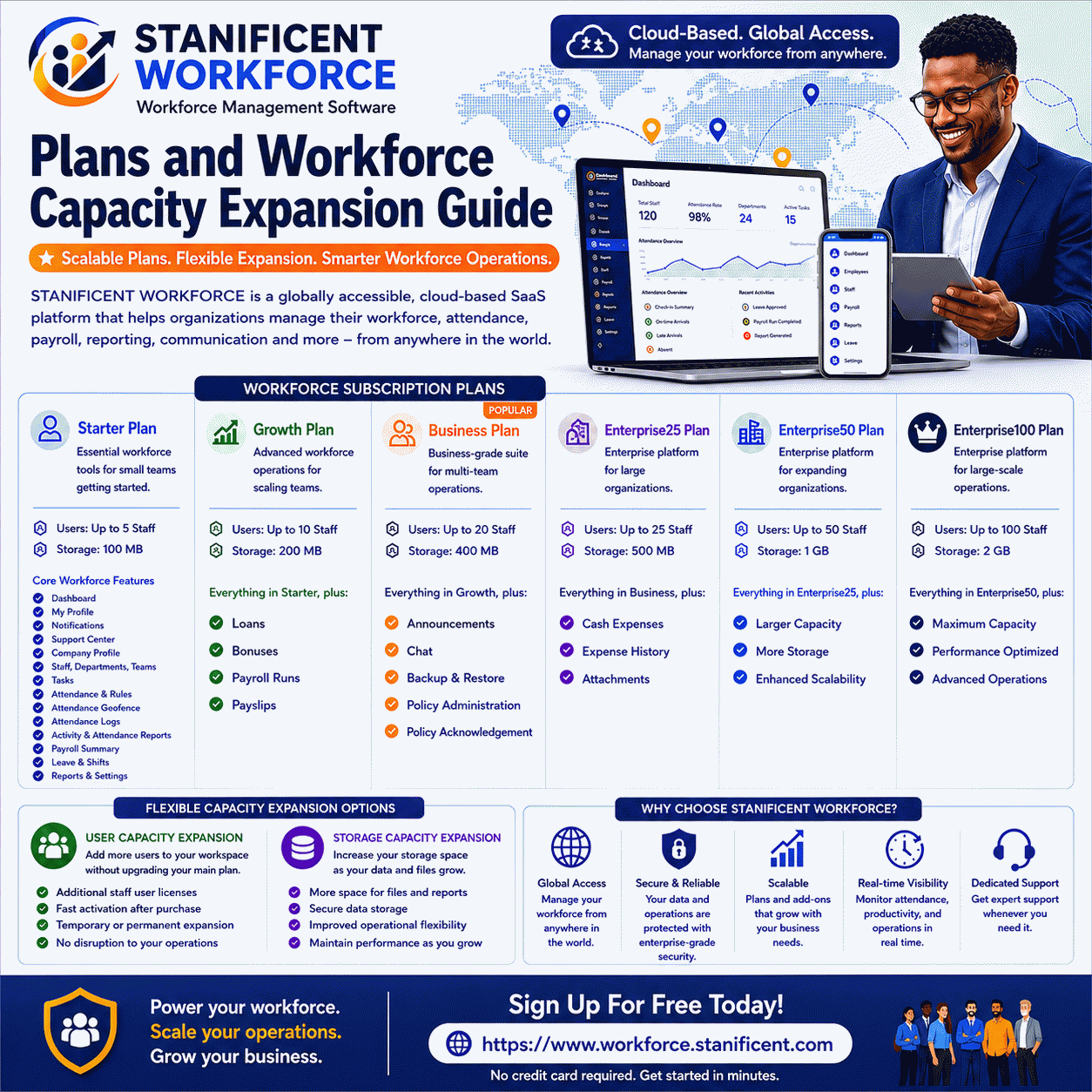
The My Profile module in STANIFICENT WORKFORCE provides a centralized self-service workspace where tenant users can securely manage account information, review operational workforce visibility, monitor attendance summaries, access published roster information, and manage account security settings inside their assigned workspace environment.
As a globally accessible cloud-based Software as a Service (SaaS) workforce management platform developed and managed by STANIFICENT STANIBIZ DIGITAL SYSTEMS AND MEDIA COMPANY LIMITED, STANIFICENT WORKFORCE enables organizations and workforce teams across Benin City, Edo State, Lagos, Abuja, Port Harcourt, Delta State, Nigeria, United States, United Kingdom, Canada, Germany, United Arab Emirates, India, China, Japan, and Australia to securely collaborate remotely inside the same centralized workspace environment from anywhere in the world.
The My Profile route is mapped through the tenant workspace structure and supports both staff-focused operational visibility and non-staff account-management workflows directly inside the authenticated tenant environment.
Role visibility remains read-only during edit operations.
Managing Personal Account Information
Staff Self-Service Updates
Staff users can update:
first name,
last name,
and phone number.
Email and username fields remain visible but disabled for staff users.
Password changes require:
current password validation,
minimum password-length validation,
and password confirmation validation.
Invalid password submissions are rejected before updates are saved.
Non-Staff Self-Service Updates
Non-staff users can update:
email,
username,
and password information.
The module validates canonical uniqueness before saving updated email or username values.
Duplicate email or username conflicts are blocked before account updates are completed.
If account email changes occur, the system resets email verification status and requires renewed verification.
Unverified accounts in edit mode display the Send Verification Email action directly from the profile interface.
Two-Factor Authentication Operations
The My Profile module supports the complete Two-Factor Authentication lifecycle inside tenant workspaces.
Supported operations include:
setup initialization,
authenticator confirmation,
backup-code generation,
backup-code download,
backup-code regeneration,
and Two-Factor Authentication disable operations.
Two-Factor Authentication Setup Workflow
Users begin setup by validating their current password.
The system then provides:
QR setup visibility,
manual setup key visibility,
and authenticator configuration visibility.
After authenticator verification succeeds, the system stores secured Two-Factor Authentication information and generates backup codes for immediate download.
Backup Code Operations
Backup codes are generated server-side and securely stored for account recovery workflows.
Users can regenerate backup codes after current-password validation.
Only the newest backup-code set should remain stored for operational recovery purposes.
Two-Factor Authentication Availability
Two-Factor Authentication availability is controlled through global platform configuration.
When unavailable by policy, the module displays availability restrictions and blocks setup operations.
Notifications and Account Visibility
The My Profile module displays recent notifications using tenant-safe notification filtering behavior.
Notification visibility excludes platform-targeted notification paths that do not belong inside tenant workspace visibility.
The notification panel displays recent operational notifications directly inside the authenticated workspace environment.
Attendance Breakdown and Monthly Visibility
Attendance Breakdown Operations
Staff users can load attendance breakdown visibility without refreshing the entire page.
The Attendance Breakdown workflow loads operational attendance visibility dynamically and displays detailed attendance records directly inside the module.
Attendance Breakdown visibility includes:
attendance date,
clock-in visibility,
clock-out visibility,
worked minutes,
break minutes,
free minutes,
excess break visibility,
penalty minutes,
payable minutes,
attendance status,
and break-audit visibility.
Break-audit visibility includes detailed break activity tracking with operational break summaries.
This Month Operational Summary
The This Month section displays workforce attendance and payroll-related operational visibility including:
required minutes,
worked minutes,
payable minutes,
and report late debit visibility.
Salary visibility adapts according to the configured compensation model associated with the authenticated staff member.
Weekly Roster and Off-Day Visibility
The My Profile module displays both current and upcoming roster visibility windows for staff users.
Roster visibility includes:
My Weekly Roster,
My Upcoming Weekly Roster,
Published Weekly Roster,
Published Upcoming Weekly Roster,
and General Off Days.
Roster visibility is derived from approved roster records associated with configured workforce scheduling windows.
When department-specific roster visibility is unavailable, the system falls back to company-wide published roster visibility.
If no published roster exists, the module displays empty-state operational notices instead of rendering invalid scheduling information.
Financial Visibility for Staff Users
Staff users receive financial operational visibility directly inside My Profile.
Cash Claims Visibility
The Cash Claims section displays pending claim visibility and provides operational access to the dedicated cash-expenses workflow.
Loan Visibility
The My Loans section displays:
outstanding balances,
loan ledger visibility,
transaction visibility,
and repayment visibility.
Loan ledger visibility includes:
dates,
entry types,
amounts,
and balance-after visibility.
Bonus Visibility
The My Bonuses section displays:
bonus titles,
amounts,
operational periods,
status visibility,
and payroll-application visibility.
Real Operational Use Cases
Workforce Self-Service Operations
Organizations can allow workforce users to securely manage personal account visibility without requiring direct administrator intervention for every operational update.
Secure Workforce Authentication
Tenant teams can strengthen operational account security through Two-Factor Authentication workflows and backup-code recovery visibility.
Attendance Monitoring
Staff users can review detailed attendance visibility and investigate break-related operational records directly from the same workspace environment.
Roster Coordination
Organizations can publish scheduling visibility that allows workforce teams to review current and upcoming roster assignments from anywhere in the world.
Remote Workforce Collaboration
Organizations operating across multiple cities, states, and international regions can maintain centralized operational visibility inside the same tenant workspace environment.
How does My Profile route to the tenant page in STANIFICENT WORKFORCE?
The route /{workspace_id}/profile is mapped to the tenant profile controller and supports authenticated workspace-based profile operations.
Why do staff users land on My Profile after login?
Staff users without administrative access are directed to My Profile as their operational home route after successful authentication.
What personal fields can staff edit in My Profile?
Staff users can update first name, last name, and phone number while email and username remain read-only.
Can non-staff users update email and username?
Yes. Non-staff users can update email and username information after uniqueness validation succeeds.
Does My Profile support Two-Factor Authentication?
Yes. The module supports setup, confirmation, backup-code generation, backup-code regeneration, download operations, and disable workflows.
How does My Profile prevent duplicate email or username conflicts?
The system validates canonical uniqueness before saving updated account identity information.
What operational attendance visibility exists inside My Profile?
Staff users can access detailed attendance visibility including payable minutes, break minutes, penalty visibility, and break-audit visibility.
Can staff users view current and upcoming rosters?
Yes. Staff users can review current and upcoming approved roster visibility directly from My Profile.
Does My Profile support notification visibility?
Yes. The module displays tenant-safe recent notification visibility directly inside the authenticated workspace environment.
Can organizations use My Profile remotely across multiple locations?
Yes. Organizations and workforce teams across local and international regions can securely collaborate remotely inside centralized tenant workspace environments.
Author: STANIFICENT STANIBIZ DIGITAL SYSTEMS AND MEDIA COMPANY LIMITED
Published: 24 May 2026 7:01 AM
Introduction Every organization grows differently. Some businesses begin with a small operational team handling daily attendance and employee coordination, while others manage multiple departments, branch offices, remote...
Author: STANIFICENT STANIBIZ DIGITAL SYSTEMS AND MEDIA COMPANY LIMITED
Published: 24 May 2026 6:03 AM
Introduction Modern organizations require organized workforce onboarding systems, secure workspace activation workflows, and centralized workforce communication environments to manage employees efficiently across multipl...